Contact us
AAOE
American Alliance
of Orthopaedic Executives
February 10-11, 2027 · Virtual
Virtual AI Summit and Demo Days

AAOE AI Summit and Demo Days

Two days of peer-led education and live demos to help your practice adopt AI with confidence.

AAOE's member survey found two things holding practices back: staff worry about being replaced, and security concerns that stop projects before they start. This event takes on both. Hear from peers who have already brought AI into their practices about what worked and what didn't, then watch nine live product demos with the right questions in hand. Join for one day or both, and catch anything you miss on the recordings.

February 10-11, 2027 | 11:00 am - 5:00 pm ET | Virtual

Free for anyone working in an orthopedic practice. Please register with your work email.

Save your spotSee the agenda
One registration, both days
One registration covers all six education sessions, every live demo, the vendor resources, the take-home toolkits, and the recordings.
Save your spot
Start here

Find your starting point

Live demos run both days, so whichever day you choose, you'll see the tools in action.

Day 1 · February 10

Just getting started?

Prepare your team, get past IT and security roadblocks, and learn how to vet AI companies before you sign anything.

✓Before the Tool: Preparing Your Team for AI
✓Getting Started When IT Says No
✓Vetting AI Solutions and AI Companies
Day 2 · February 11

Ready to scale?

Choose your next workflow to automate, spread adoption across the practice, and see what's coming before you lock in.

✓One Workflow at a Time: Choosing What to Automate Next
✓Across the Practice: Broad Adoption from Two Chairs
✓What Is Coming Next, and What Not to Lock In Now
Agenda

Agenda at a glance

All times ET.

Day 1 · Wednesday, February 10
11:00 am
Welcome and Event OverviewRoss Rigdon, MC
11:05 am
EducationBefore the Tool: Preparing Your Team for AIRear Admiral June Ryan and Dr. Lisa Patierne
12:10 pm
Live demoPatient access and intakeVendor to be announced
12:45 pm
EducationGetting Started When IT Says NoMichael McMahon
1:15 pm
BreakExtended break: browse vendor tiles and resources
1:45 pm
EducationPanel: Vetting AI Solutions and AI CompaniesScott Griffin, Carol Ittig, and Samantha Ziolkowski
2:30 pm
Live demoDocument and records processingVendor to be announced
3:05 pm
Live demoRevenue cycle and codingVendor to be announced
3:35 pm
BreakExtended break: browse vendor tiles and resources
4:05 pm
Live demoPrior authorizationVendor to be announced
4:40 pm
Day 1 Wrap-UpRoss Rigdon, MC
Day 2 · Thursday, February 11
11:00 am
Day 2 WelcomeRoss Rigdon, MC
11:05 am
EducationOne Workflow at a Time: Choosing What to Automate NextLacey Braun
11:40 am
Live demoClinical documentationVendor to be announced
12:15 pm
Live demoScheduling and capacityVendor to be announced
12:45 pm
BreakExtended break: browse vendor tiles and resources
1:15 pm
EducationAcross the Practice: Broad Adoption from Two ChairsAngeline Van Utrecht and John Reynolds
1:50 pm
Live demoAnalytics and decision supportVendor to be announced
2:25 pm
Live demoMarketing and patient acquisitionVendor to be announced
2:55 pm
BreakExtended break: browse vendor tiles and resources
3:25 pm
EducationWhat Is Coming Next, and What Not to Lock In NowSpeaker to be announced
4:00 pm
Live demoCategory to be announcedVendor to be announced
4:35 pm
Event Wrap-UpRoss Rigdon, MC
Headshot of Ross Rigdon
Your host
Ross Rigdon
Chief Operating Officer, Raleigh Orthopaedic Clinic
Ross will welcome you each day, guide you between sessions and demos, and moderate Q&A.
Education sessions

Learn from peers who have already been through it

Each session ends with live Q&A and a resource your team can put to use right away.
Speakers
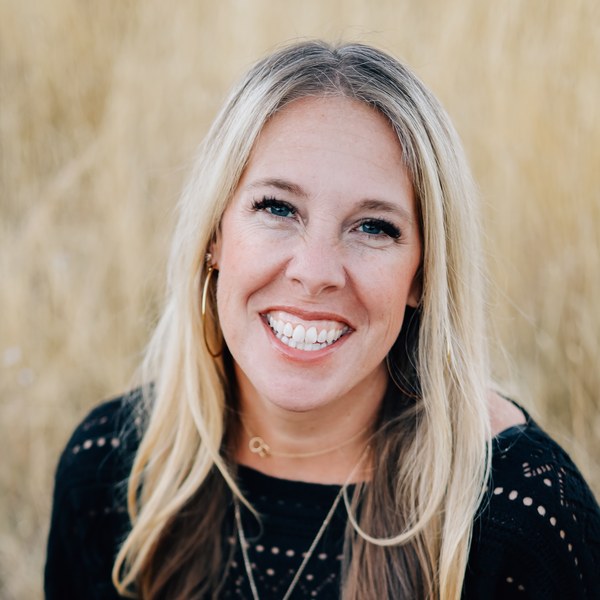
Headshot of Rear Admiral June Ryan
Rear Admiral June Ryan
CEO and Founder, June Ryan Global Solutions
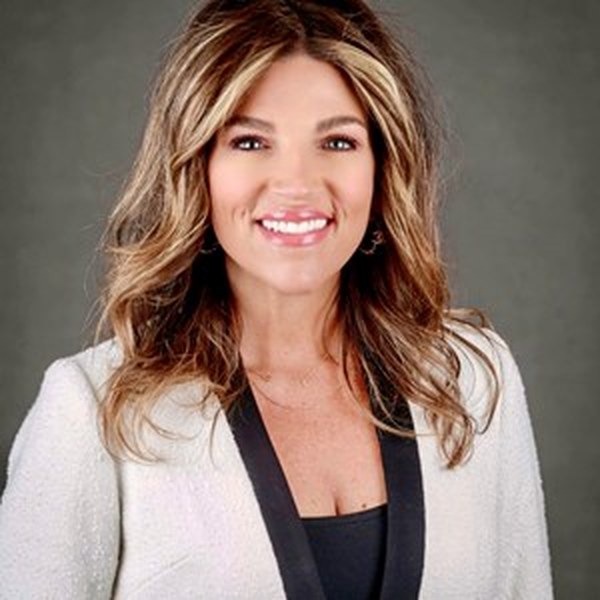
Headshot of Dr. Lisa Patierne
Dr. Lisa Patierne
Leadership Consultant and Founder, Rising to Greatness
Session 1 · Virtual session

Before the Tool: Preparing Your Team for AI

February 10, 2027 | 11:05 am ET

Fear of being replaced was the concern members named most in AAOE's survey. Learn what to say to staff first, how to frame AI as workload relief, and where a person must stay in the decision path.

✓Take home: Staff communication plan and human-in-the-loop checklist
Learning objectives

After this session, you'll be able to:

  • Anticipate the staff concerns that surface most often when a practice introduces AI, and decide when to address them.
  • Frame an internal announcement around workload relief rather than staffing reduction.
  • Identify the points in a workflow where a person must stay in the decision path, and document them before go-live.
  • Plan for early adopters and late adopters on the same team without waiting for the slowest to agree.
Speaker
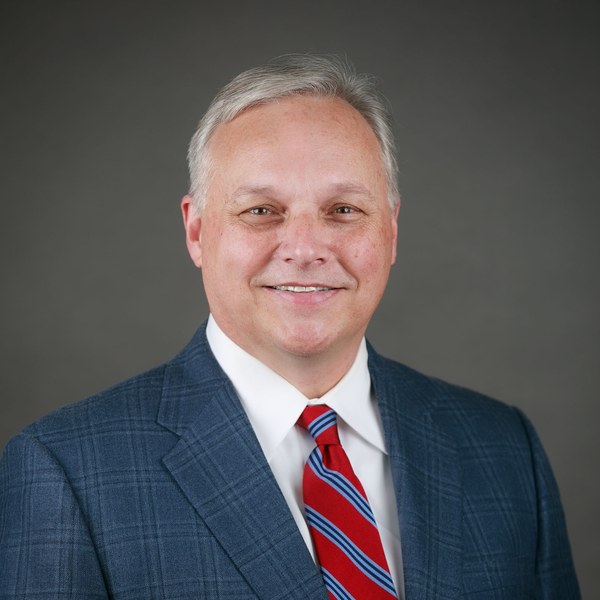
Headshot of Michael McMahon
Michael McMahon, MS, MHA, ATC, CMPE
Orthopedic Clinic and Program Manager, Mammoth Hospital
Session 2 · Virtual session

Getting Started When IT Says No

February 10, 2027 | 12:45 pm ET

For practices at the very beginning: the first uses you can try without a vendor contract, personal accounts vs. secured deployments, and how a limited rollout moves IT from no to a trial.

✓Take home: A starter use-case list, a prompt library, or a one-page security brief for IT
Learning objectives

After this session, you'll be able to:

  • Identify the first two or three AI uses a practice can begin without a vendor contract.
  • Explain the difference between personal-account use of a general assistant and a secured organizational deployment.
  • Address the security objections an IT department raises first.
  • Structure a limited rollout that lets a skeptical team test a tool with the stakes kept low.
Speakers
Headshot of Scott Griffin
Scott Griffin
CEO, Southern Bone & Joint
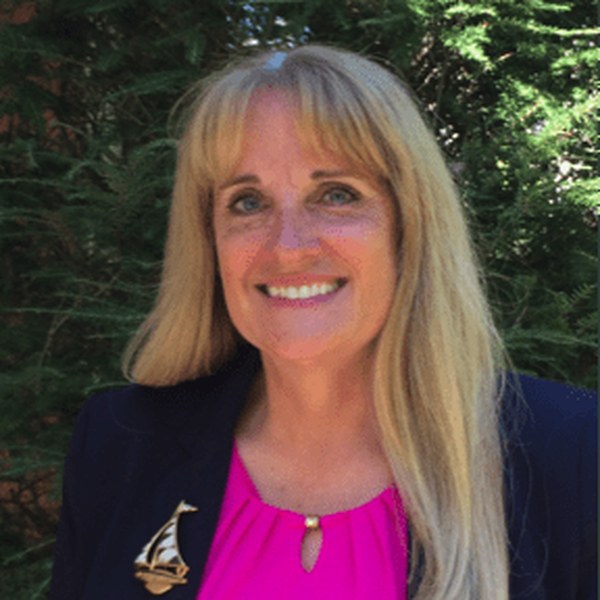
Headshot of Carol Ittig
Carol Ittig, MBA, FACMPE
Practice Administrator, Children's Orthopaedic and Scoliosis Surgery Associates, LLP
Headshot of Samantha Ziolkowski
Samantha Ziolkowski, MS-HSA
Chief Operating Officer, Vero Orthopaedics
Session 3 · Panel · Virtual session

Vetting AI Solutions and AI Companies

February 10, 2027 | 1:45 pm ET

Real stories of vendor relationships that went sideways: a product that wasn't live anywhere, software built without the security a practice needs, an implementation that mattered as much as the product, and a contract terminated after a private equity acquisition. Get the reference, security, and contract questions to ask, then put them to work in the demos that same afternoon.

✓Take home: AAOE Vendor Comparison Toolkit, updated for AI
Learning objectives

After this session, you'll be able to:

  • Ask the reference questions that reveal whether a product is live, and at what scale.
  • Evaluate how a company builds and secures its software, not only what the product claims to do.
  • Raise ownership change, contract terms, and security accountability before signing rather than after.
  • Score what you see in the demos using the AAOE Vendor Comparison Toolkit.
Speaker
Headshot of Lacey Braun
Lacey Braun
Practice Administrator, Idaho Hand Center
Session 4 · Virtual session

One Workflow at a Time: Choosing What to Automate Next

February 11, 2027 | 11:05 am ET

With so many AI solutions available, how do you determine where automation will actually make a difference in your practice? Drawing on real-world experience implementing automation for referrals, phone systems, surgery scheduling, and other administrative processes, this session explores a practical approach to identifying workflows worth automating. Attendees will learn how to recognize repetitive, predictable tasks, understand where human involvement is still necessary, and evaluate the potential impact of automation. We'll also discuss lessons learned during implementation, including how automation can expose existing workflow gaps and create opportunities for staff education and process improvement. Rather than starting with technology, this session focuses on understanding the work and identifying where automation can create meaningful operational improvements.

✓Take home: Look at the Work: Workflow Opportunity Worksheet
Learning objectives

After this session, you'll be able to:

  • Identify repetitive, predictable workflows that may be good candidates for automation.
  • Evaluate where human judgment is necessary and where tasks can be automated.
  • Recognize common workflow exceptions and use them to improve processes and staff education.
  • Apply a practical framework to identify and prioritize your next automation opportunity.
Speakers
Headshot of Angeline Van Utrecht
Angeline Van Utrecht, MHA
Director of Operations, Bone and Joint Institute of Tennessee
Headshot of John Reynolds
John Reynolds, MBA, FACMPE
CEO, Bone and Joint Institute of Tennessee
Session 5 · Virtual session

Across the Practice: Broad Adoption from Two Chairs

February 11, 2027 | 1:15 pm ET

An operations leader and a CEO from the same organization on how adoption spread, who moved first, what's still unfinished, and how security kept pace as the footprint grew.

✓Take home: Adoption roadmap and governance approach
Learning objectives

After this session, you'll be able to:

  • Describe how adoption spreads from one part of a practice to the rest, and in what order.
  • Bring late adopters along without holding the rest of the organization to their pace.
  • Compare where AI delivered against where the work is still unfinished, and say why.
  • Manage security and privacy as the number of tools and the volume of data grow.
Speaker
Speaker to be announced
Session 6 · Virtual session

What Is Coming Next, and What Not to Lock In Now

February 11, 2027 | 3:25 pm ET

Where AI capability is heading over the next 18 to 24 months, which categories are consolidating, and what that means for anything you sign this year.

✓Take home: Category watch list and multi-year contract questions
Learning objectives

After this session, you'll be able to:

  • Describe where AI capability in musculoskeletal practices is heading over the next 18 to 24 months.
  • Identify the product categories consolidating now and what that means for a current contract.
  • Determine what to put in place this year so the practice is ready for what arrives next.
  • Ask the contract questions that keep a practice from being locked into a category that is still moving.
Demo Days

See the tools in action

Nine AI vendors, one per category. The vetting panel runs ahead of eight of the nine demos, so you can put its questions to work the same afternoon. During the extended breaks, browse each vendor's tile and resources, or drop a business card to connect.

What to expect
20-minute live demo
Each vendor shows the product working, not a slide deck.
What to expect
10 minutes of Q&A
Ask the questions that matter to your practice, in real time.
What to expect
Vendor Comparison Toolkit
Score every demo with AAOE's toolkit, updated for AI tools and AI features in existing systems.
Demo categories and presenting vendors
Patient access and intake
Document and records processing
Revenue cycle and coding
Prior authorization
Clinical documentation
Scheduling and capacity
Analytics and decision support
Marketing and patient acquisition

Presenting vendors coming soon.

How it works

Join from anywhere

1
Save your spot
Registration covers both days. Your access link arrives the day before the event and again one hour before it starts.
2
Join live
Drop into any session or demo from 11:00 am to 5:00 pm ET and ask questions in real time. Google Chrome is recommended for the best experience.
3
Connect with vendors
During the extended breaks, browse vendor tiles and resources, or drop a business card to connect.
Registration

Save your spot

Registration covers both days. Your access link arrives the day before the event and again one hour before it starts.

February 10-11, 2027 | 11:00 am - 5:00 pm ET | Virtual | Registration closes February 9

Free for anyone working in an orthopedic practice. Please register with your work email.

Save your spot
For orthopedic practice leaders

Nine live demos. Bring your questions.

February 10-11, 2027 | 11:00 am - 5:00 pm ET | Virtual. Questions? Reach out to info@aaoe.net. For login or technical help, email support@matchboxvirtual.com.

Save your spot
FAQ

Frequently asked questions

Who should attend?

Practice administrators and managers, plus the people you'd want in the room with you: IT leads, revenue cycle managers, operations staff, and front-office supervisors. Whether your practice is just starting with AI or already scaling it, there's a session built for where you are.

Is there a cost to attend?

No. The AI Summit is free for AAOE members and nonmembers working in an orthopedic practice or practice setting.

Can vendors or solution providers register?

No. This event is open only to people working in orthopedic practices. Presenting vendors attend their own demo only.

Why do I need to use my work email?

It helps us confirm you're with a practice. If you register with a personal email such as Gmail, the AAOE team will follow up to confirm before the event.

I'm just getting started with AI. Is this for me?

Absolutely. Getting Started When IT Says No is built for practices at the very beginning, and Day 2 picks up with what comes after your first use case.

How do I register?

Select any "Save your spot" button. New to the platform? Choose "Sign up" to create your account. Been here before? Log in with your email and password.

When does registration close?

Registration is open through February 9, 2027, the day before the event. There's no attendance limit, so there's room for your whole team.

Can I bring my team?

Please do. Each person registers separately so everyone gets their own access link.

Do I have to attend both days?

Not at all. Join the sessions and demos that fit your schedule, and catch the rest on the recordings included with your registration.

Will sessions be recorded?

Yes. Every registration includes the recordings, so you can watch anything you missed on your own time. After the event, log in to the Matchbox platform with the same email you registered with to watch them.

When can I access the platform?

The platform opens the day before the event. You'll receive your access link one day before and again one hour before the event starts each day.

What do I need to join?

A computer with a reliable internet connection. Google Chrome is recommended for the best experience. If you run into trouble connecting:

  • Turn off your VPN if you're on a restricted work network.
  • Try a personal device or network, such as your phone's hotspot.
  • Ask your IT team to allow these domains and all their subdomains: matchboxvirtualspaces.com, mbvs-server.com, mbvs-chat.com, and whereby.com.
  • Still need help? Email support@matchboxvirtual.com or visit the Matchbox support page.
What happens during a demo?

Each vendor gets 20 minutes to show the product working, followed by 10 minutes of live Q&A. The vendor vetting panel runs before eight of the nine demos, so you'll have the right questions ready, plus the AAOE Vendor Comparison Toolkit to score what you see.

Will vendors contact me afterward?

Presenting vendors may receive the attendee list after the event and follow up with you. When you register, you can share how you prefer to be contacted.

Where do I find the toolkits?

Session resources, the AAOE Vendor Comparison Toolkit, and the vendor directory are available on the platform under each session.

Who do I contact for login or technical help?

Select "Need Help?" on the platform to chat with the Matchbox support team, visit the Matchbox support page, or email support@matchboxvirtual.com.

Who can I contact with other questions?

Reach out to info@aaoe.net and the AAOE team will be happy to help.